This page informs about the basic execution details for videos. If you are preparing a shoot please visit the respective guidelines.
Please provide .mp4 file for standard movie files in two versions: one with and one without subtitles for the upload on MAM. The open file (ProRes) is the master copy for editing the content.
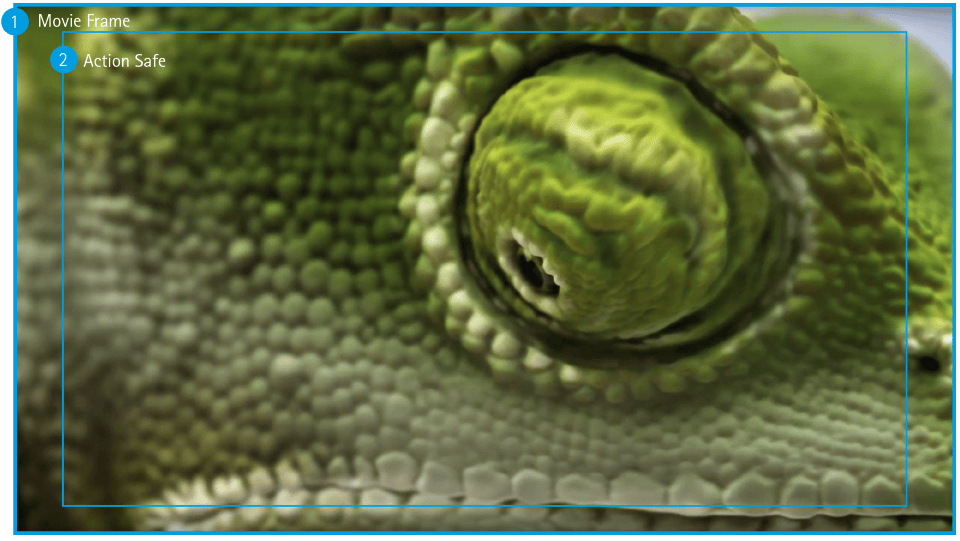
1. Movie Frame
Aspect ratio: 16:9 Full HD 1920 x 1080p HD 1280 x 720p
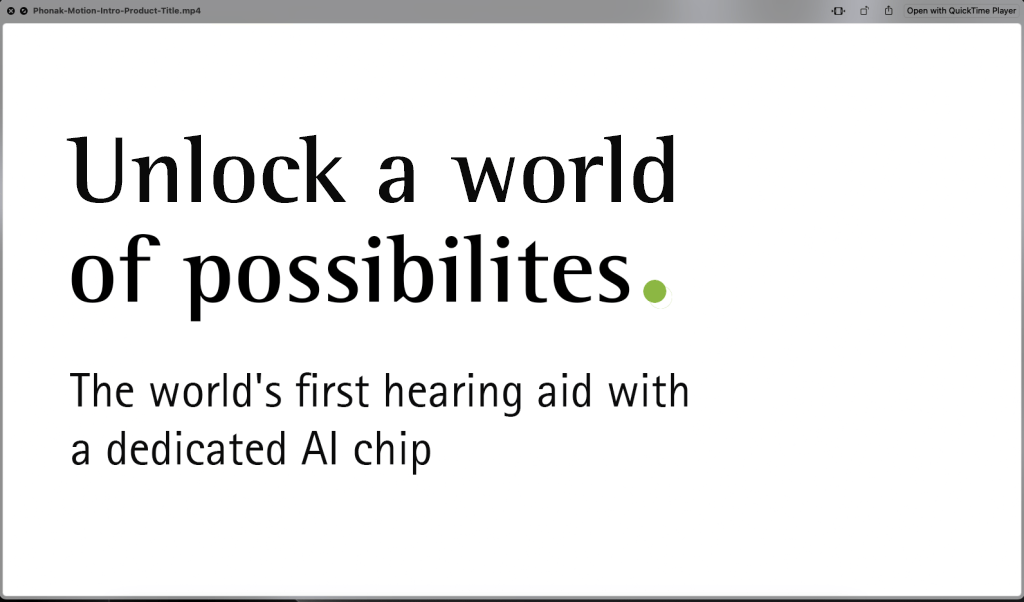
Title (Text card) Not mandatory to have a text intro. But if you do, this is how it shall look.
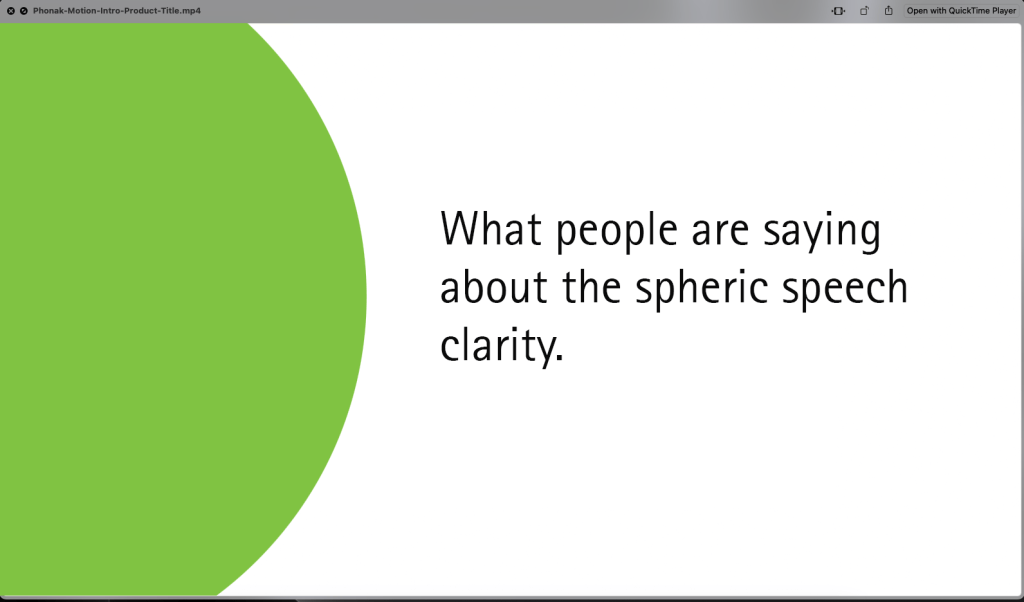
Copy (Text card) Example if you want to insert a divider, question or statement.
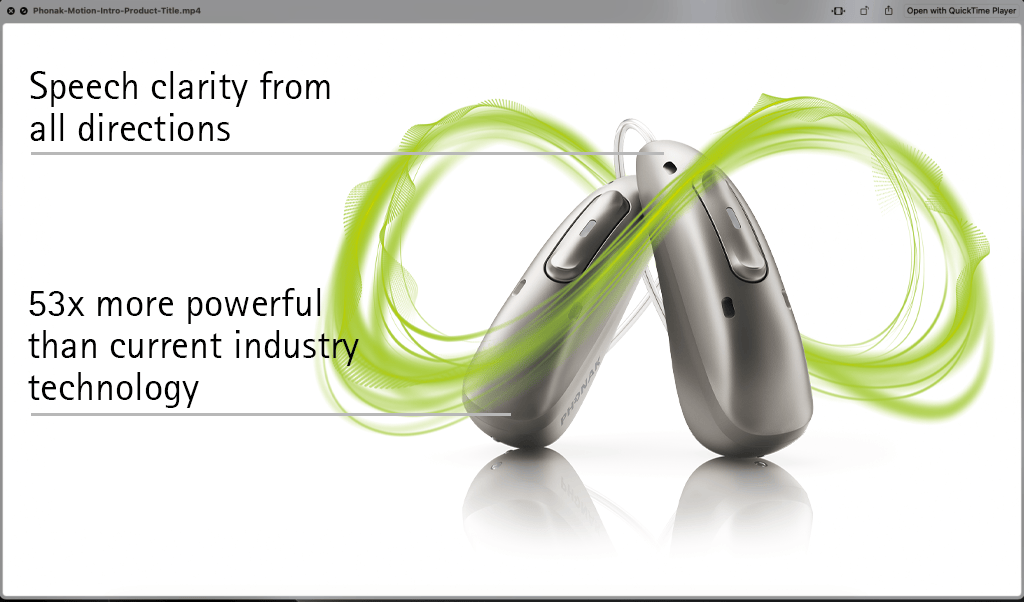
Call out To highlight features or technical information.
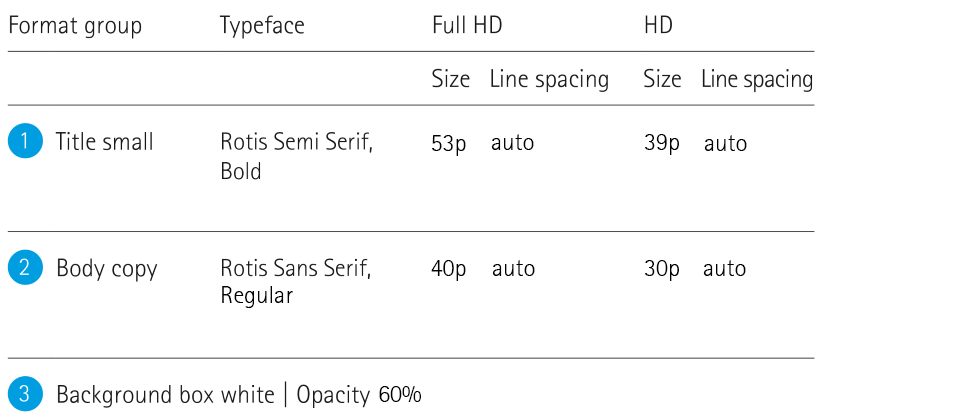
Text in video content
Claim small title
Claim main title
Flexible font size and text placement
Choose the best visibility and ad a shadow to the text.
Guide the viewer continuously through the story but keep texts as short as possible – don’t overload the movie!
Keep copy very short
Shadow for text on image: Opacity 85%, distance 10p, angle 135°, size 30p
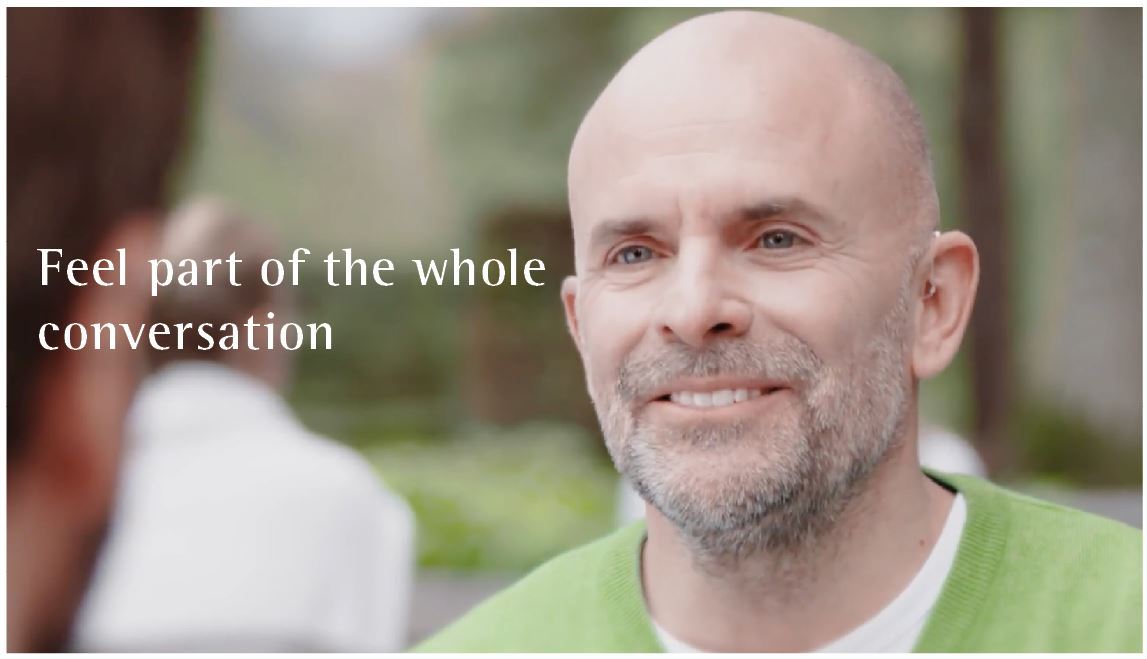
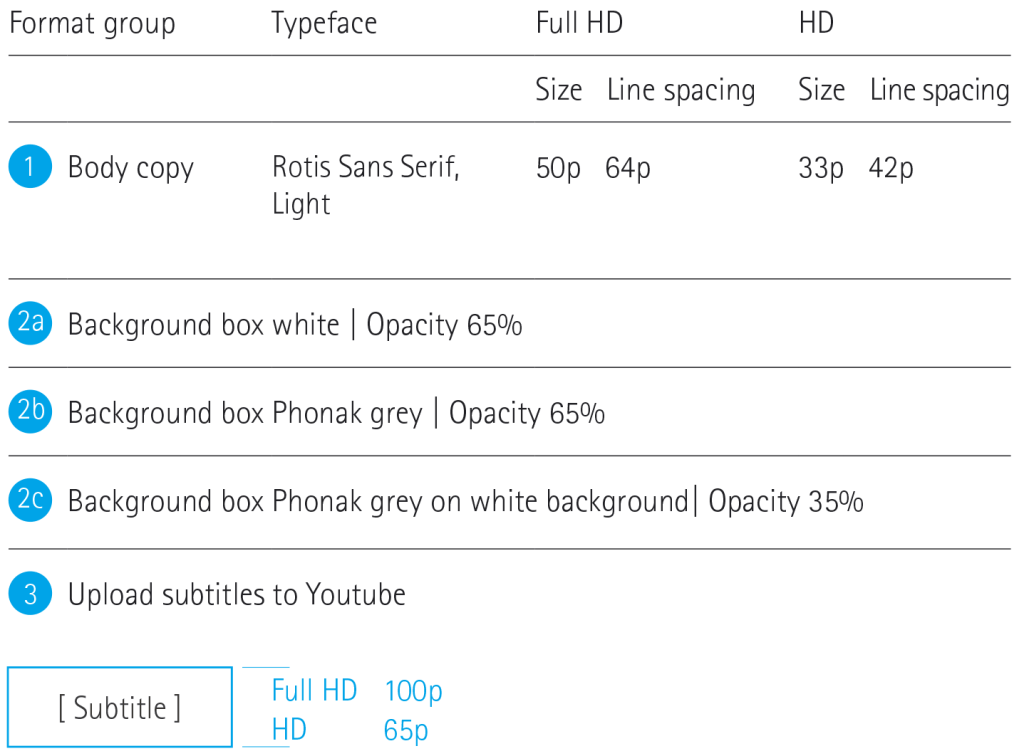
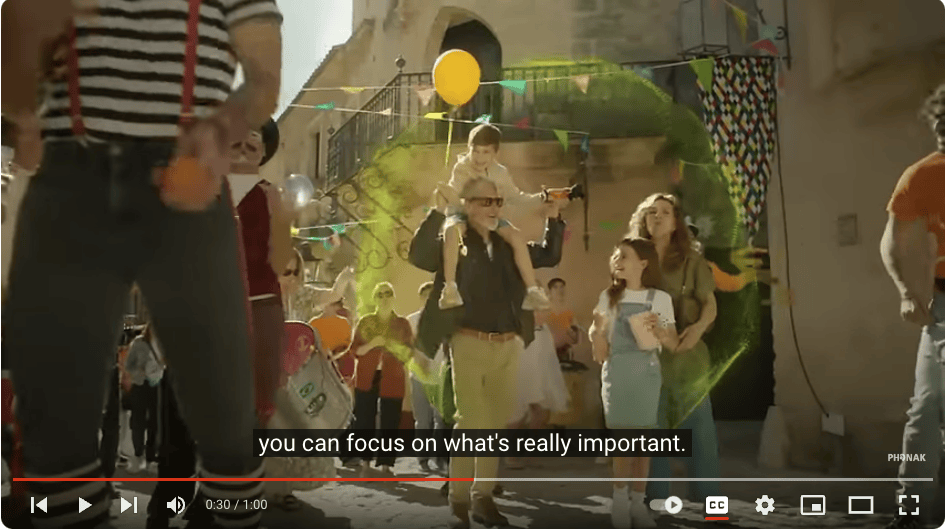
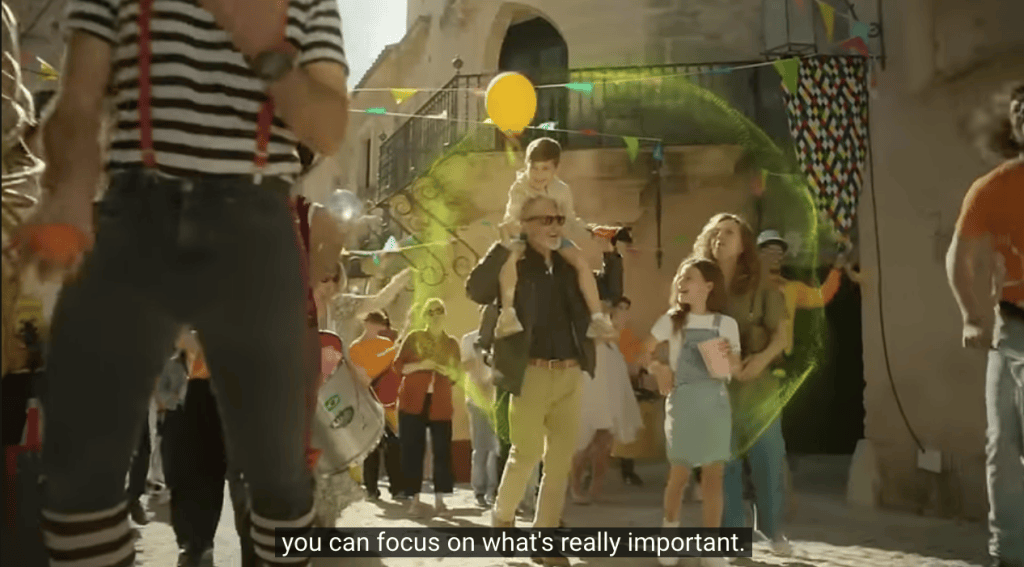
Subtitles
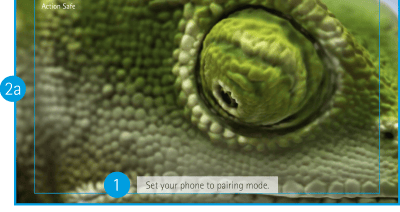
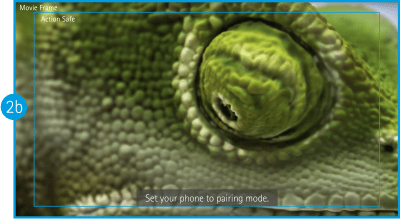
Please chose the white background box for movies with a white and light look and feel and the grey background box for darker movies.
The width of the box depends on the text length.
Make sure that the empty space between font and box is always the same on both sides, right and left.
White subtitle box
Grey subtitle box
Grey subtitle box used when background is white
Subtitles in social media
Upload the native video and subtitles in separat files and use the channel’s presetting (YouTube, Facebook). For subtitle text, you will need a .srt file, that can be created via CCT and which is required for each translated language.
With player control
Without player control
Music/voice
Sound is elementary for creating emotional videos. For detailed information about Phonak’s sonic branding, please read the respective guidelines.
Voice over/speech For voice over and direct speech please choose an inspiring and energizing voice that is clearly and easily to understand. Examples and details about the voice profile can be found here.
Sound effects When sound effects appear in the video (e.g. closing a zipper of a backpack) it makes sense to slightly enhance it. This emphasizes that we are dealing with sound and hearing.
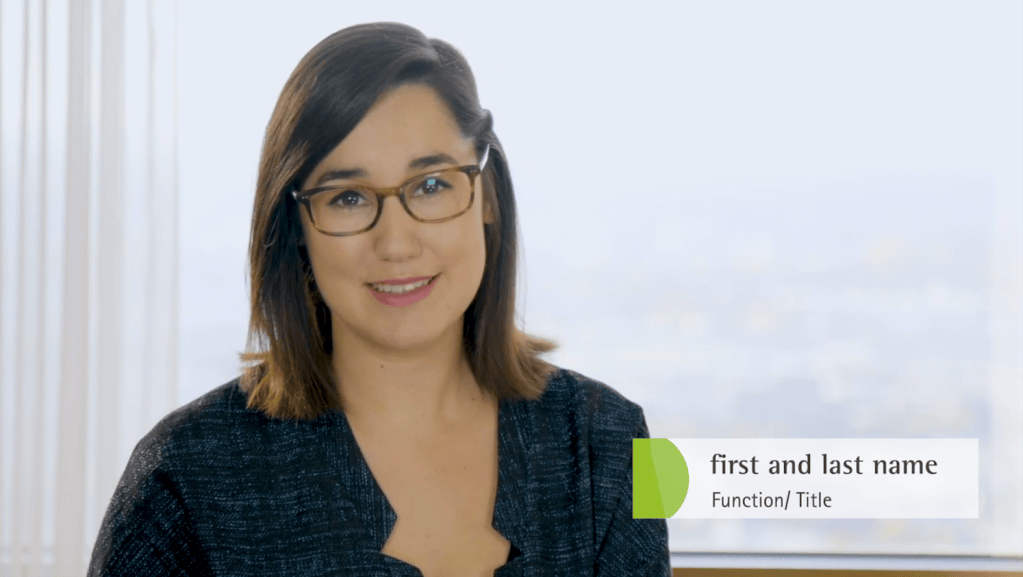
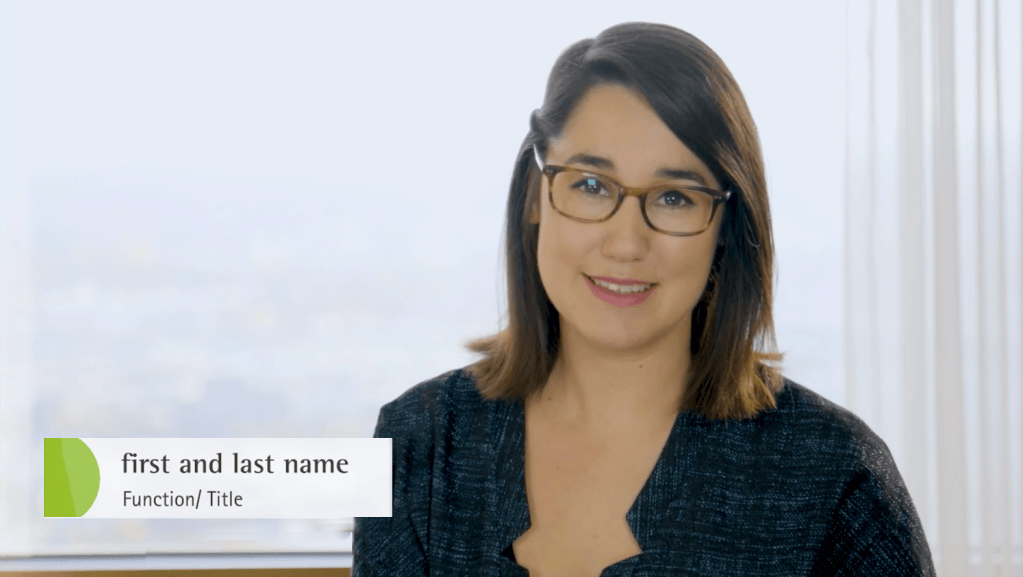
The chyron must be placed in the lower part of the frame, either on the left or right – whichever looks better. Make the positioning left or right dependent on where it looks better visually.
Instructional (How to…)
Instructional videos explain how devices and services work and/or show how to use them. If you plan to create a how-to video, please consult the guidelines beforehand.
“How to” real-life videos To show how to install a device you can create a video with a hand model or an actor. And enriched with supers, it offers an appealing way to explain a topic.
“How to” animations An animation made in the Phonak illustration style is a great way for describing how a feature or a service works. Also to showcase technical processes or complex subjects.
Explanatory videos Whether you want to explain a specific topic or something new, you can do it in different ways. For example, here are two ways of using humour, and without neglecting the importance of the subject.
You find tipps & tricks if you plan a video shoot here
Image resolutions for Social Media
For social media, different resolutions are required depending on how the video will get used.