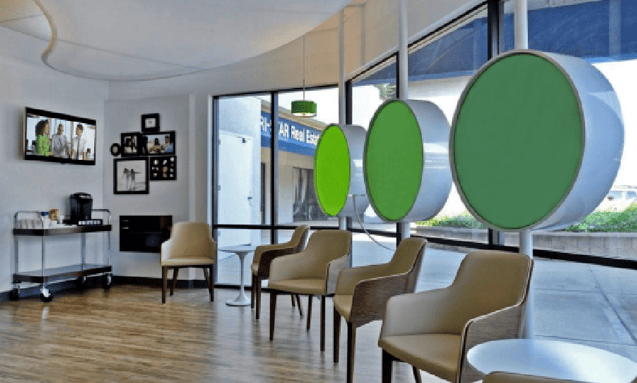
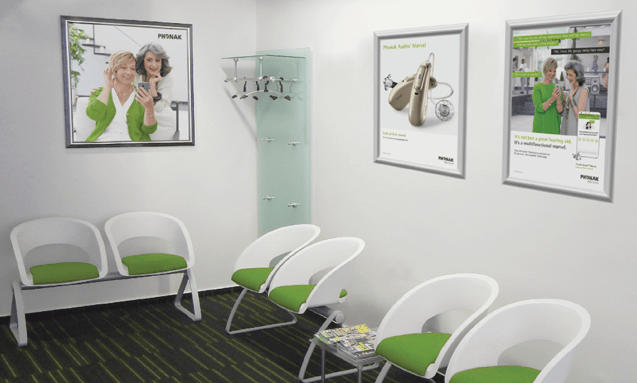
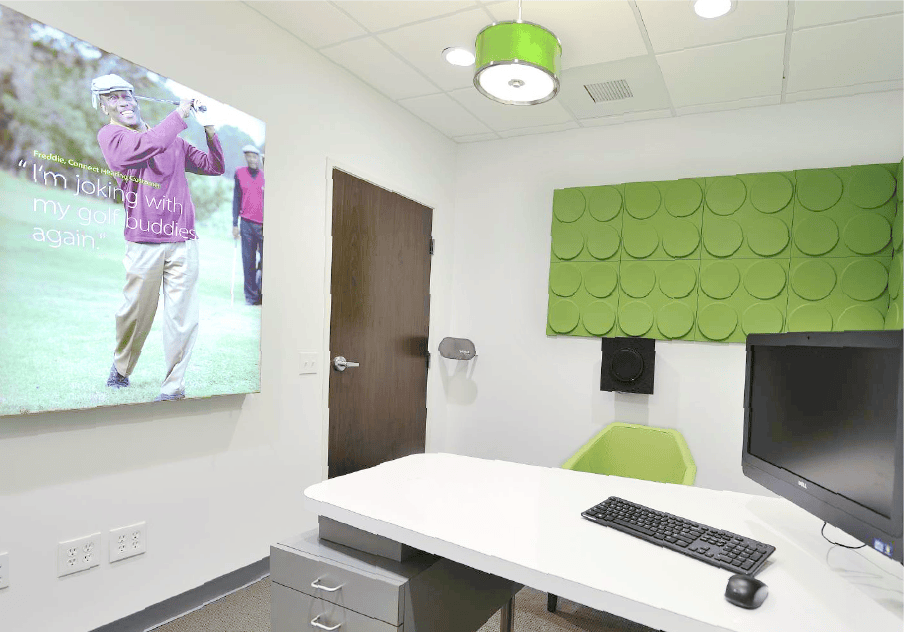
We aim to create a personal, competent and engaged customer experience at the POS. In It is the overall perception of a brand throughout the buyer‘s journey. We strive to create an environment that conveys competency in an atmosphere where a customer feels comfortable and welcome.
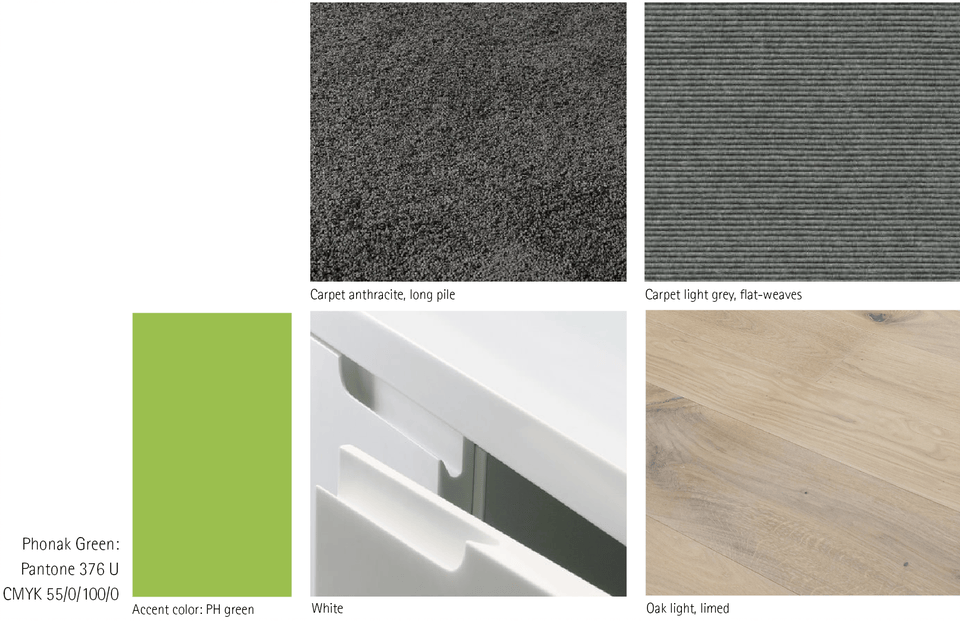
By using selected materials and fabrics in defined colors, we want to ensure that the Phonak brand gets recognition even when the Phonak brand itself is not visible.
In general, this should be considered:
Visually attractive, clean, simple
Usage of Phonak Green as accent color to follow the „hidden green“-Concept
Tactile; soft, adaptive
Auditive: premium quality
Product displays
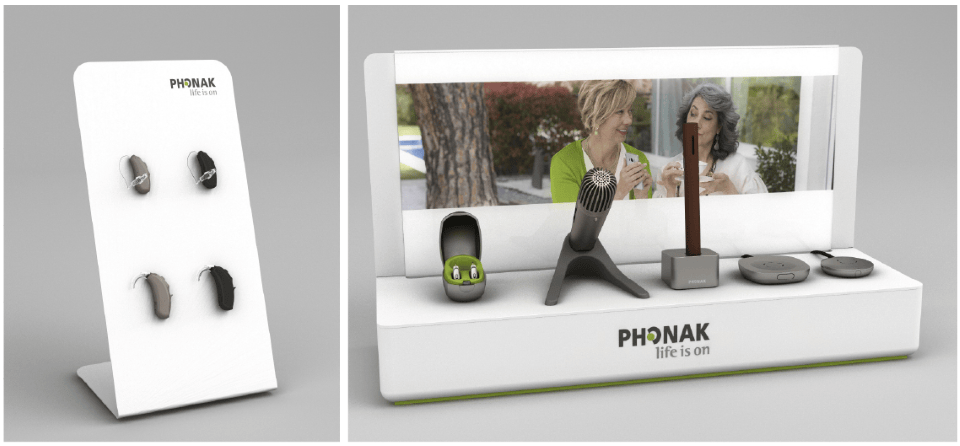
Product displays are the best way to clearly present hearing aids in a store window and help the products to look more valuable.
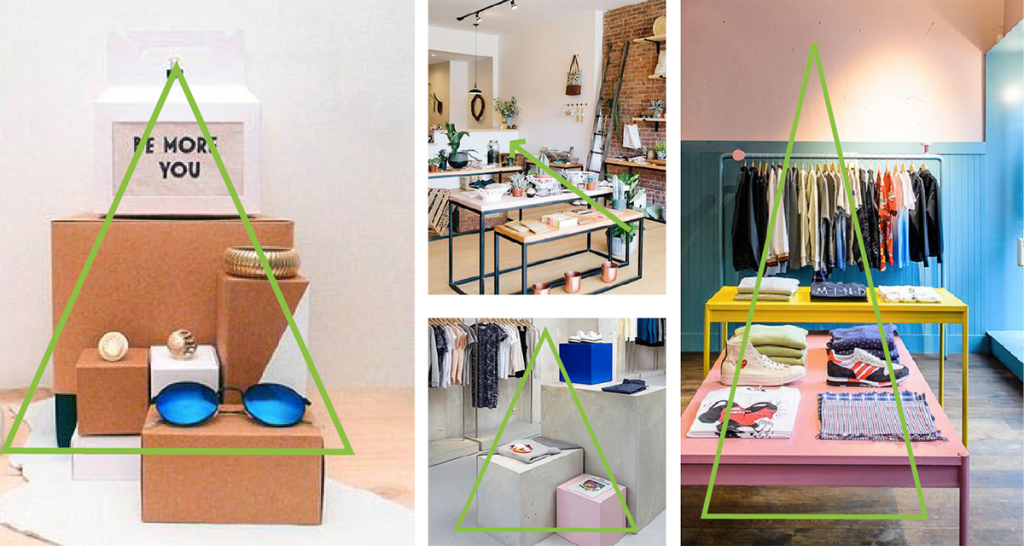
Use the arena principle to display products in their best appearence: arrange the products in a pyramid shape
Place the smaller products upfront
The larger products should be shown at the back
Arrange the products in a pyramid shape
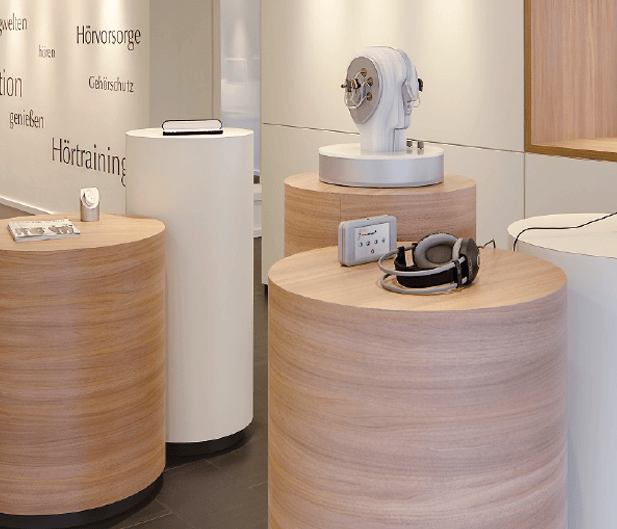
Create a product group in the center of the sales area
Pay extra attention to this focus point area:
choose the best visible spot in the store to place it
Less is more! The products look their best when there is space around them
Lighting: use spot lights
Product presentation: general decoration
Especially when it comes to product presentation and decoration, remember “less is more”
Focus on a few, select products and services and show only what is really important
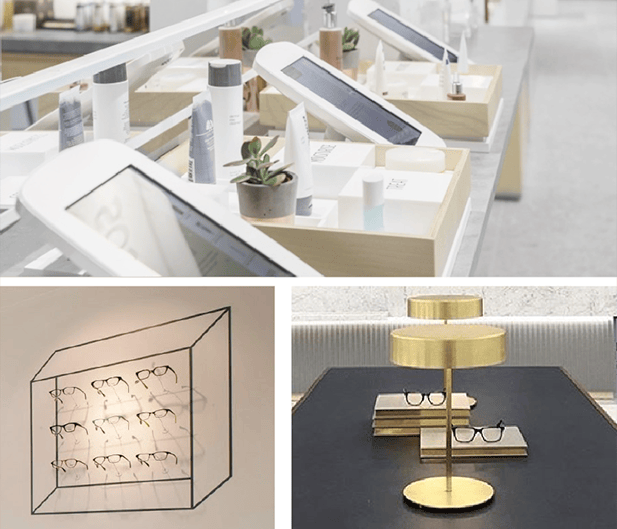
The usage of tablets and displays makes sense when you can give additional information about the product or services that are not visible
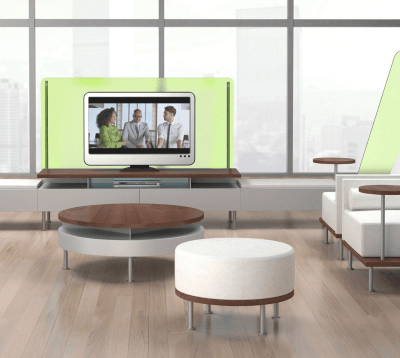
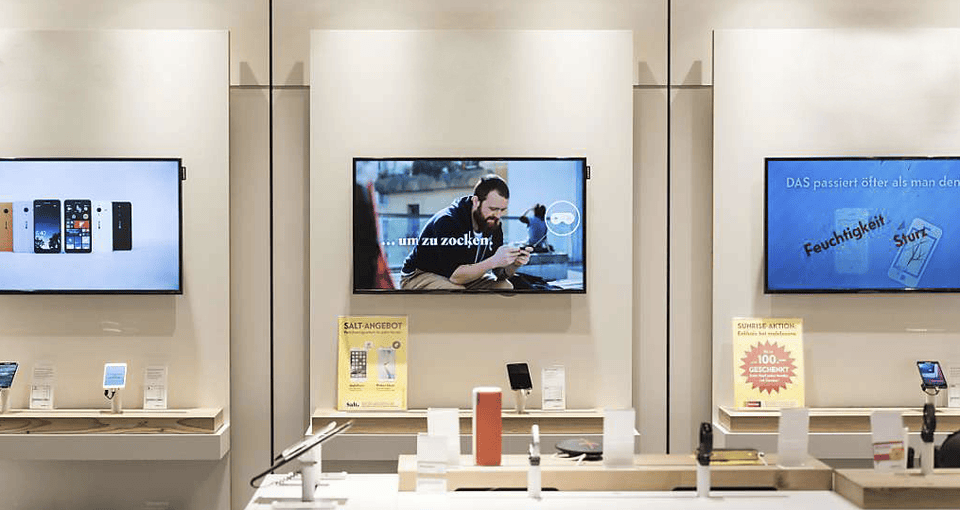
Digital screens / digital signage
The usage of screens seems endless. Pay attention to these points:
Show relevant and current content only
Use material of a high quality only
What can be shown on a screen that is not shown or explained in the store? What can generate an added value to a customer?
Keep in mind that the movie should also work when played without audio
Store interior: reception area
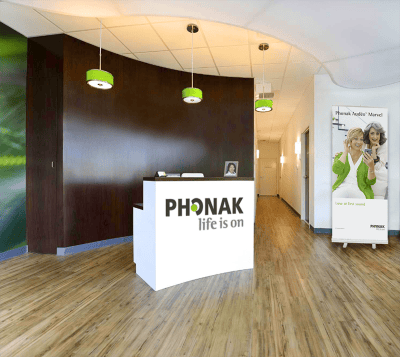
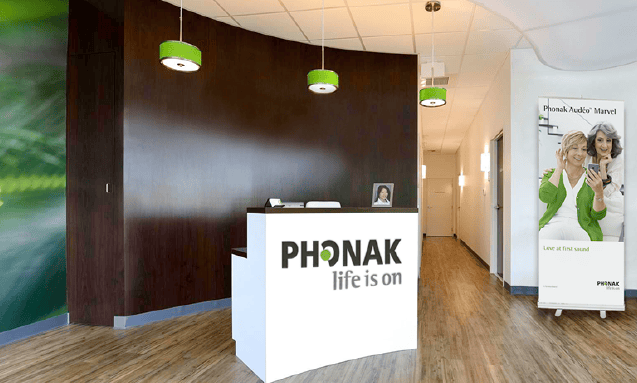
The reception is usually the first touch point for a client. It is where building trust starts. By showing the Phonak logo and the brand colors, the reception also conveys continuity, certainty and quality.
A solid, bright and neat reception, located in the middle of the store assures that customers feel that they are being cared for whilst they are in the waiting area or the fitting area
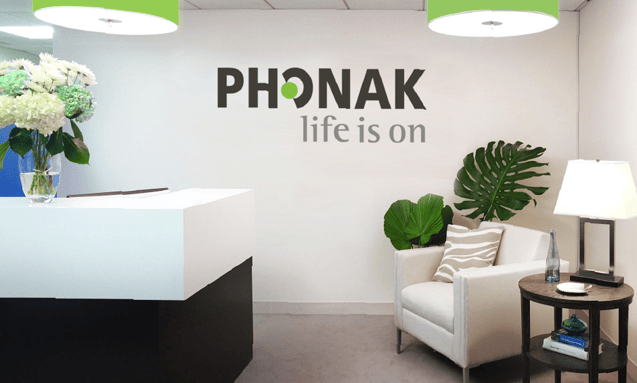
Apply the logo on the counter or receiption’s back wall to build confidence with the customer
If space allows, empty walls are ideal to place either a quick screen or to install a digital screen
Install lamps or add accents to accentuate your brand
A bunch of fresh flowers (whenever possible in the brand colors), generate a friendly atmosphere
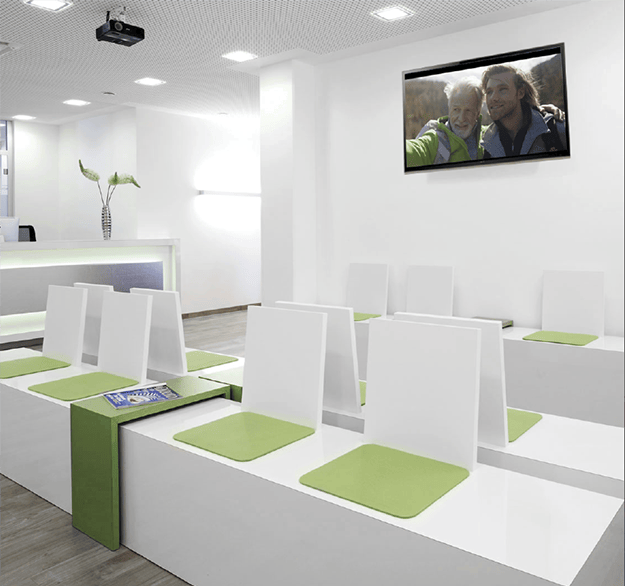
Store interior: waiting area
The reception is usually the first touch point for a client. It is where building trust starts. By showing the Phonak logo and the brand colors, the reception also conveys continuity, certainty and quality.
Ideal conditions for a waiting area:
The waiting area should be close to the reception
Comfortable chairs/seats for eldery people (no sofa chairs or stools)
Clearly mark where the toilets are located
Take the opportunity and use your customer’s waiting time pro-actively:
Offer a drink – if possible
Hand out information material
Involve your customer in a conversation
Supplement the area with a small table (for information material) and a plant to make it look inviting.
Install pictures at the eye level to allow an optimal view
Instead of one big picture, a series of smaller dimensions can also look very attractive
Always allow enough space around the pictures. The bigger the walls are, the bigger the pictures can be
Indirect lighting helps to generate a comfortable atmosphere in a room without natural day light. It also does not blind the eye or it does not cast reflections on the picture frames and/or displays
The color accent with PH green can light up a room. However, white should remain as the dominant color
Store interior: fitting area
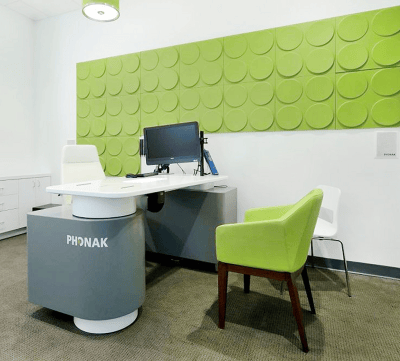
The more comfortable and ergonomic the fitting area is, the better you can counsel your customer.
Comfortable seating height: 45 – 48 cm (17.7 “ to 19”)
Comfortable working height: 74 – 78 cm (29” to 31”)
Good illumination is important to clearly see and understand the products and printed information material
A subtle decoration with product images or promotional material from current campaigns is allowed. Generally, the customers should neither be distracted from the fitting process nor from counseling.