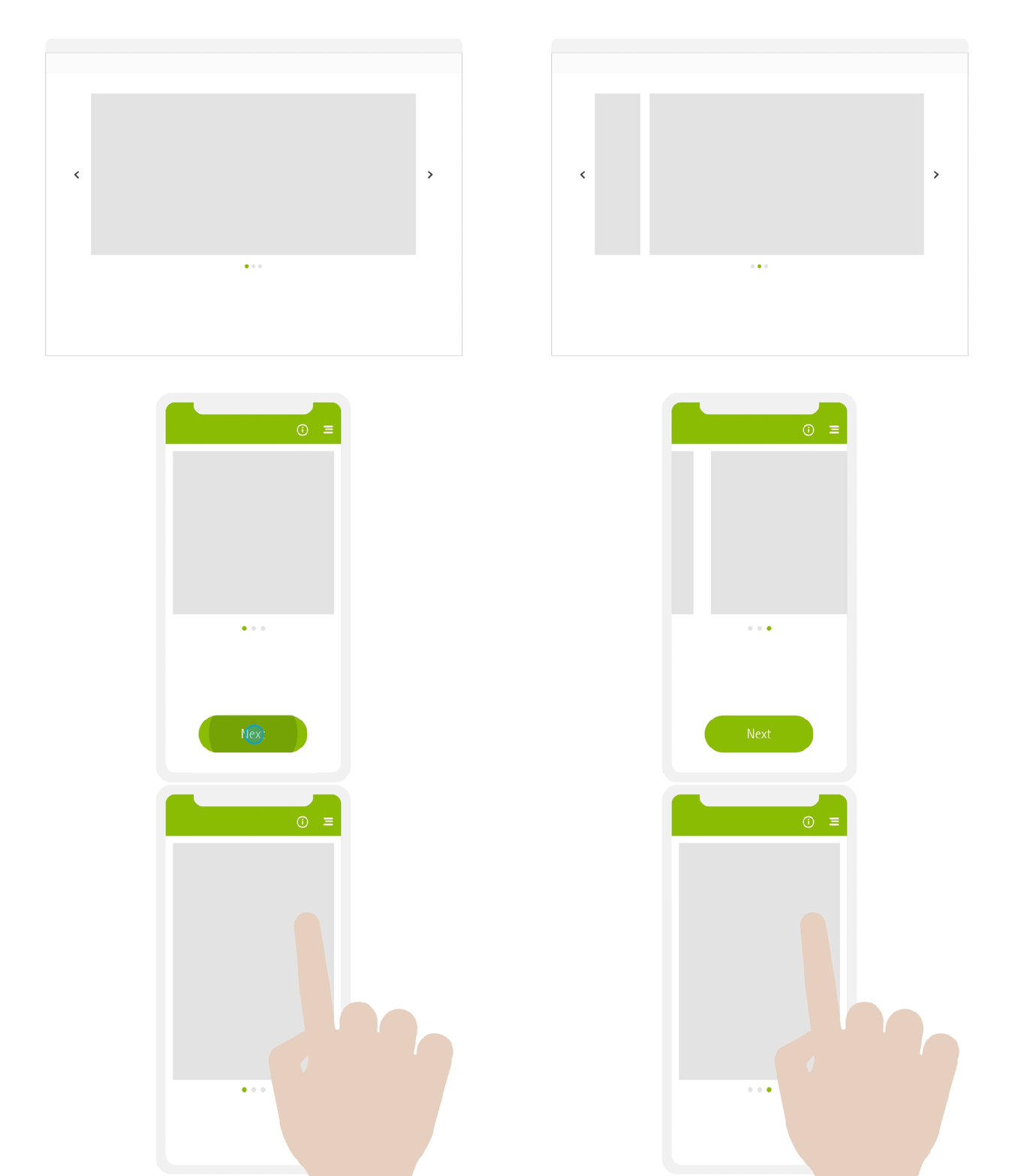
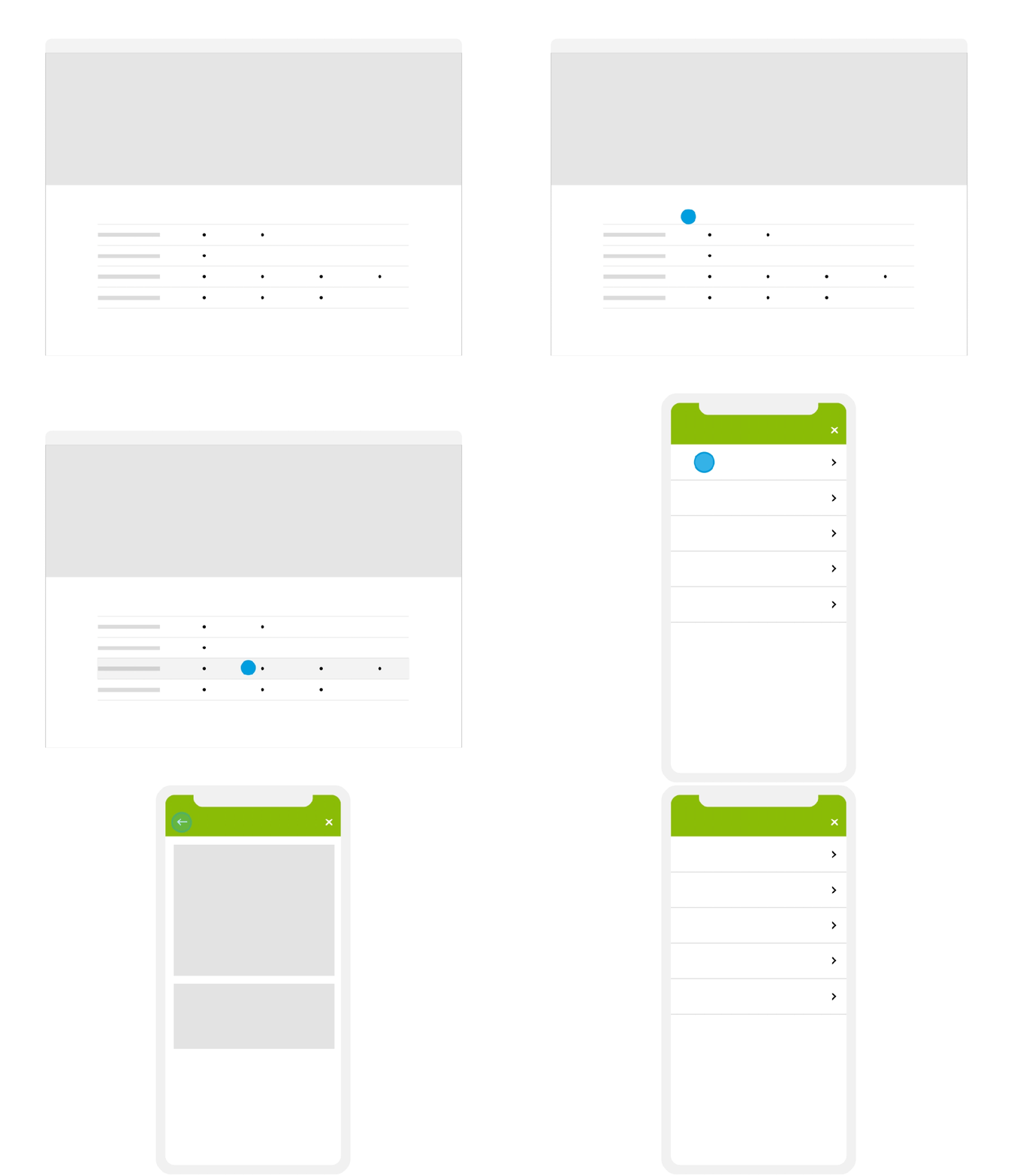
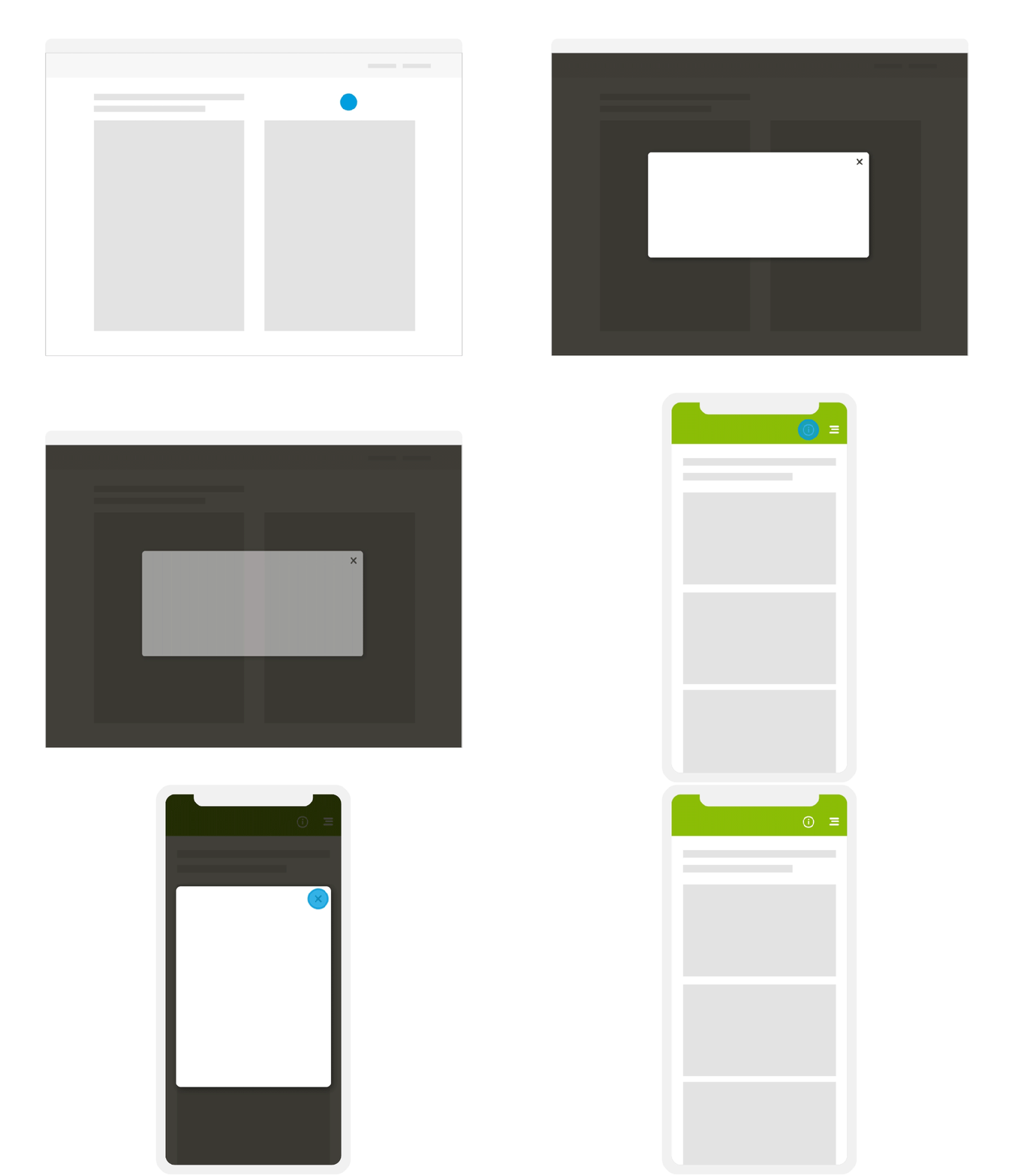
Elements in motion aim to attract the user’s attention and therefore, they might improve the user experience. The motion principles below give you a preview of the look and feel of moving elements and an idea of how it can look. The final execution depends on the technical possibilities of the digital application. Further details can be found in the digital components guideline.
Loading
The motion of loading a website follows the natural loading behavior, where elements move in from below.
Swipe
This motion indicates a spatial transition of content (e.g image gallery).
Pull down
This motion gives the impression of a rising and falling curtain in order to reveal or hide additional information.
List
The motion of lists confirms hover states and selected items.
Pop-up
The background fades in and serves as a canvas for the pop-up window, which moves in from below.
App splash-screen
This motion shows the build up of a splash screen in an app. The logo icon fades in on the top right corner. The logo moves in from below and is positioned in the bottom right corner.