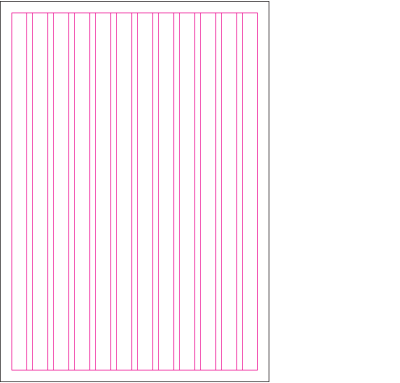
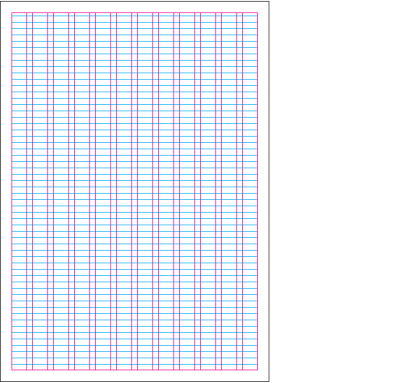
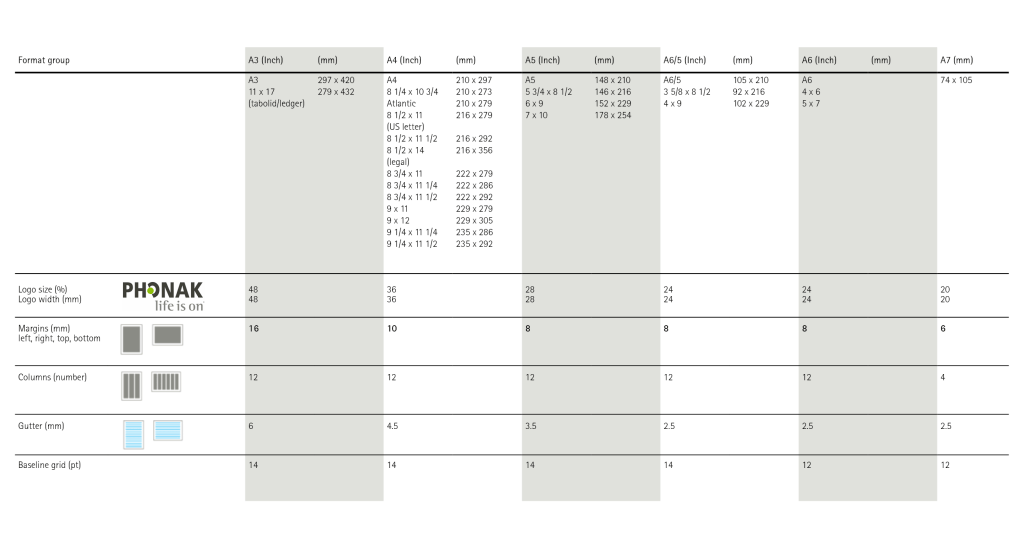
The layout grid provides order and flexibility at the same time. Always use the layout (number of columns, gutter width, baseline grid) defined for each format group. Margins are characteristic on all communication.
2. Format, margins and column grid
2. Baseline grid
3. Imagery and typography
Choose format
First select the format.
Add margins according to format
Use the exact measurements defined for the format group.
Define columns for the format
Use the number of columns and gutter width defined for the format group.
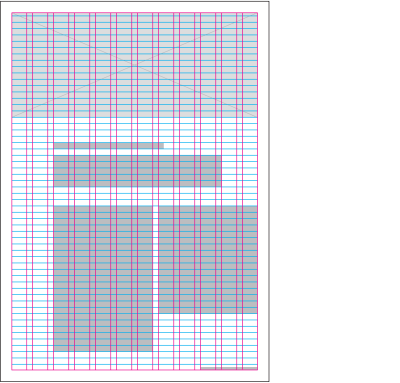
Layout images and text
Place images (composed by using the Soundscape) and text within the grid.
Page number and running title
Page number and running title are optional. Place page numbers and running titles on the bottom left (for left hand pages) and bottom right (for right hand pages) margins.
Column widths
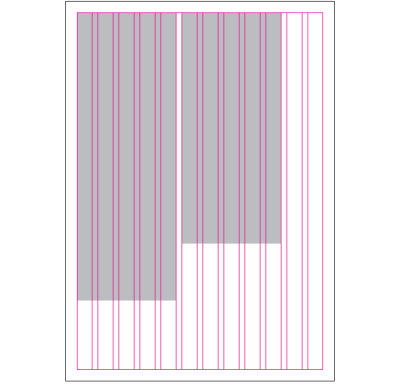
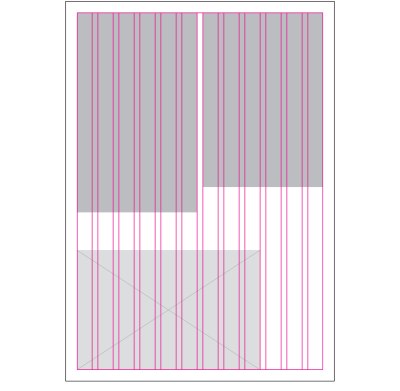
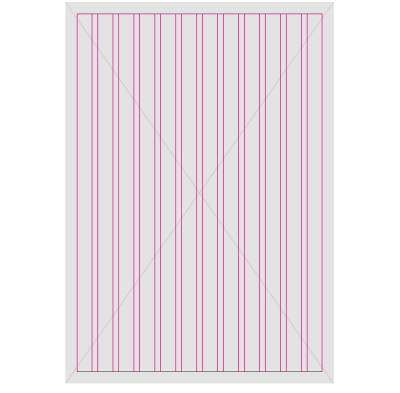
The 12 column layout grid set up in all master templates is highly flexible. Margins indicate minimum distance to format edge. Column widths can vary. Using only a few of the available columns creates a generous amount of white space and helps the reader navigate.
Always ensure sufficient space for the fold, particularly in publications with perfect binding. The examples shown below illustrate only some of the many possible options.
2 columns
2 columns, with image
Full bleed image
Baseline Grid
The line spacing of the baseline grid is determined by the body copy size. Where a different typeface or type size is used for marginalia, captions or headlines, this is usually based on the baseline grid. For instance, the first line and other lines below will fall on the baseline grid at regular intervals, depending on the type size.
Use baseline grid increment defined for each format group.
Layout measurements
Use these measurements for the most frequently used format groups.