User Guides are technical documents that follows regulatory information for medical devices, apps and software. It contains information such as: Product description, instruction how to use and how to pair devices and software, care and maintenance, service and warranty, compliance information, description of symbols and buttons, troubleshooting and important safety information.
Please always check the content with your respective regulatory department. For branding topics please check the respective guidelines such as typography hierarchy, layout grid/margins and data visualisation. For best practice chose an User Guide from the latest launch on MAM or contact the branding support.
Please note that for private label different rules apply. For details, please contact the branding support.
Printed user guides
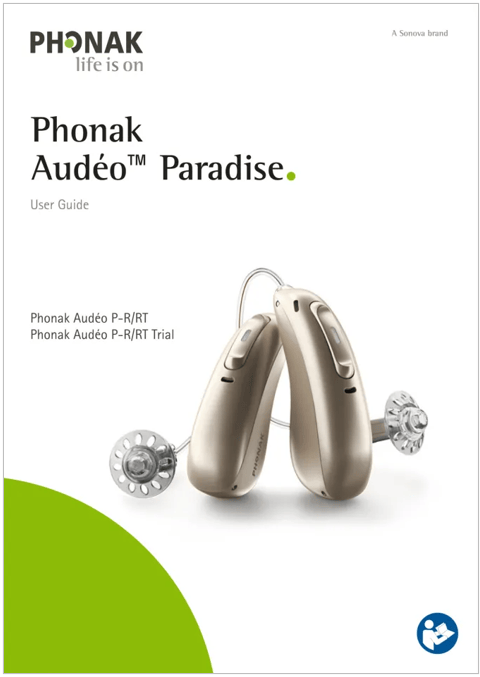
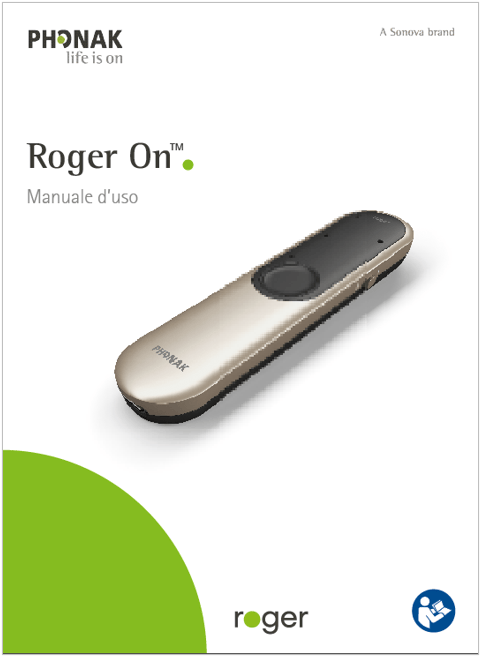
The cover shows the product and the correct product naming.
Cover page of user guide
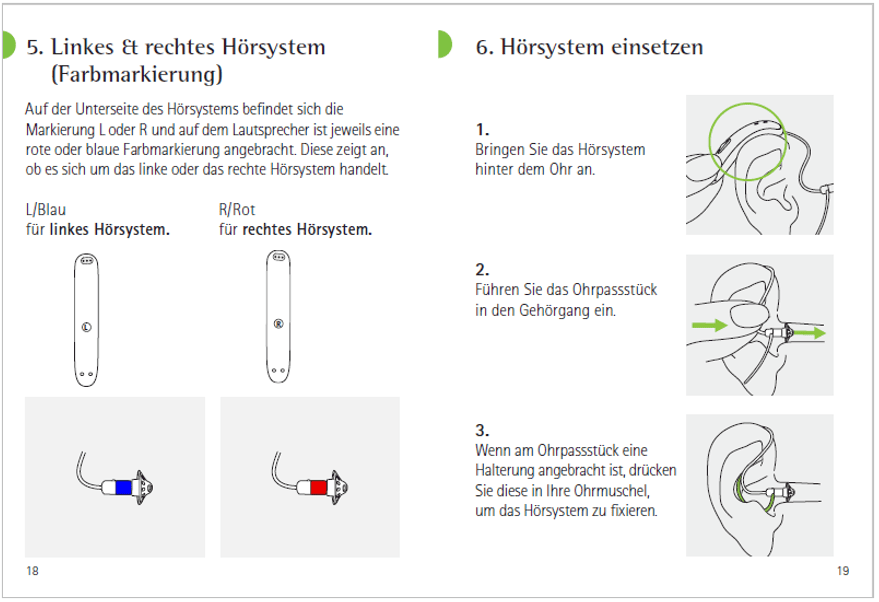
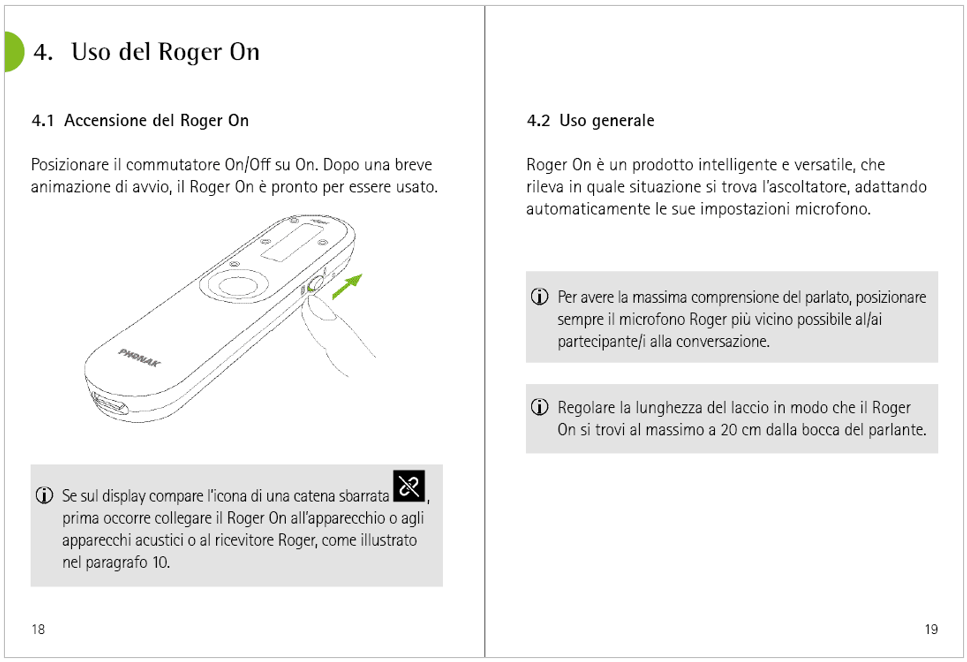
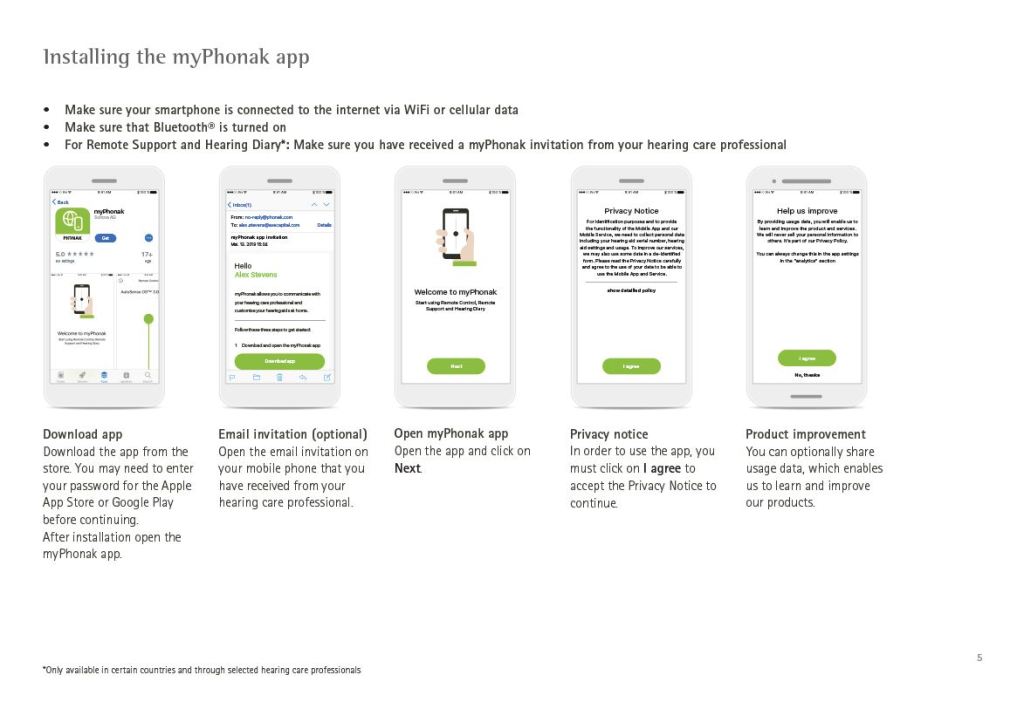
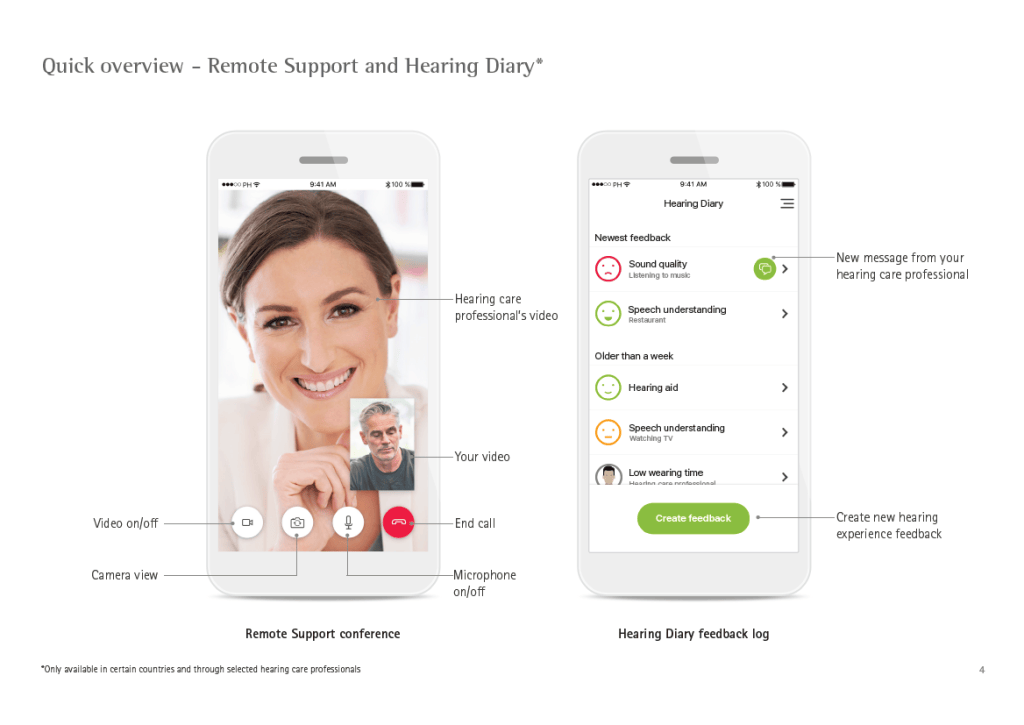
Inside pages with technical illustrations
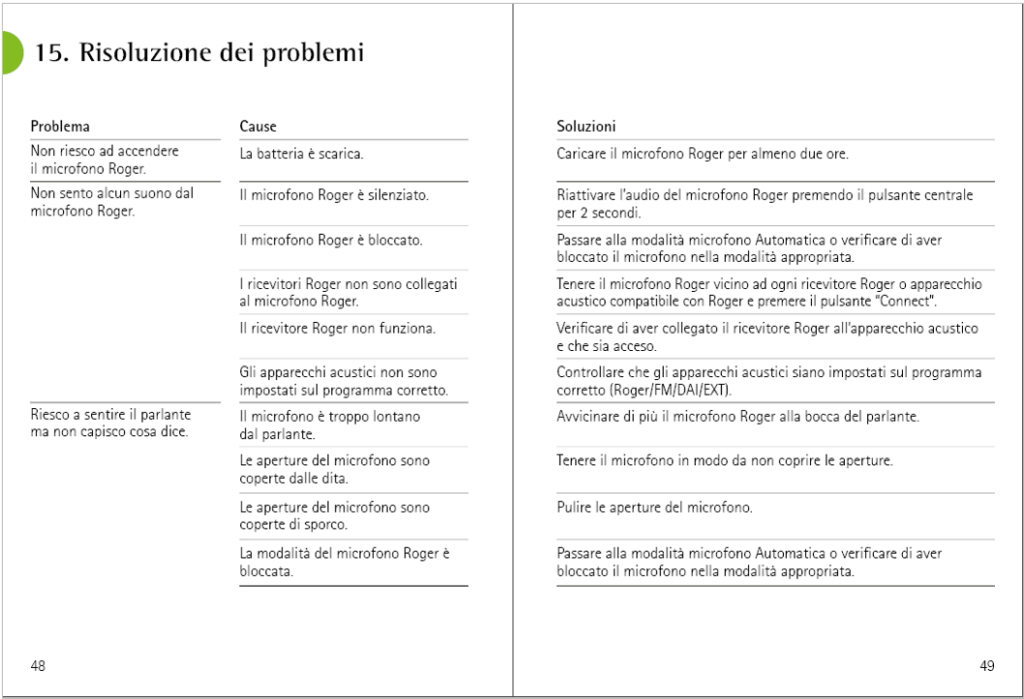
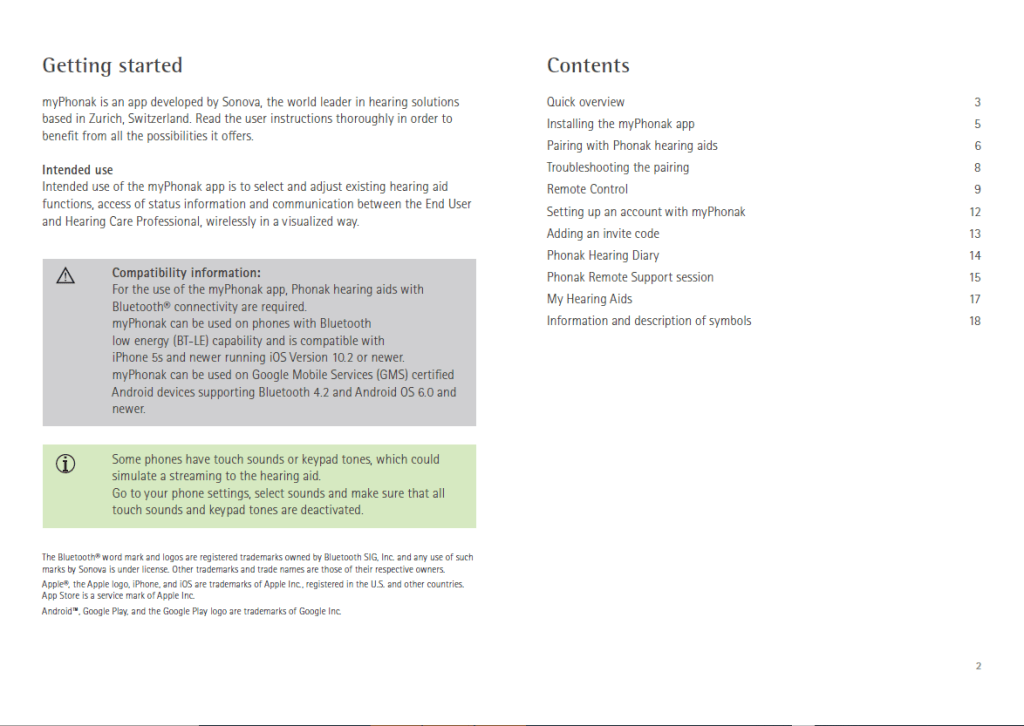
Inside pages with tables
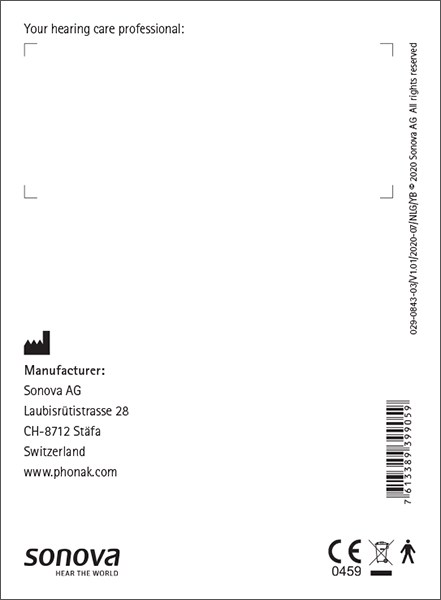
Backpage
Backpage with mandatory elements to comply with current law.The back of user guides contains a number of symbols and information that must be printed. Their positioning and size are also already defined in available templates.